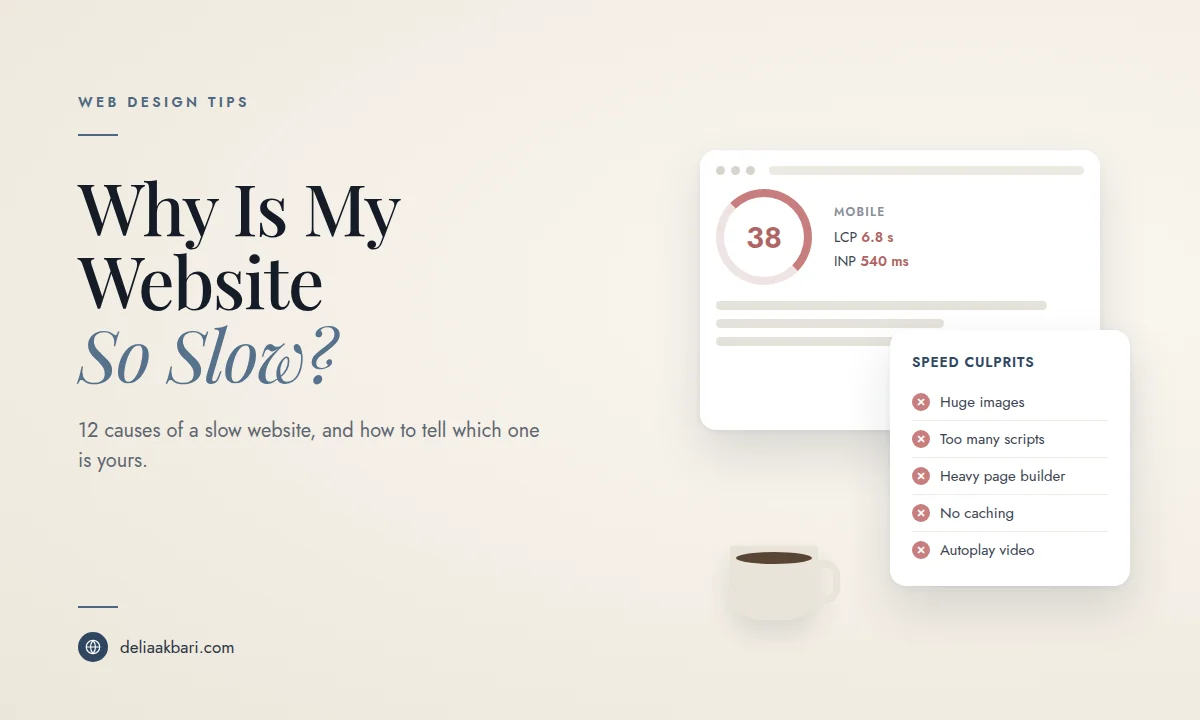
"My website is slow" can mean a dozen different things. The homepage might take several seconds to show anything. The page might appear quickly and then jump around while it finishes loading. Buttons might not respond when you tap them. Each of those has a different cause, and fixing the wrong one wastes time and money. Upgrading your hosting won't help if the problem is a 6 MB photo, and compressing images won't help if your server takes three seconds to respond.
This guide is about diagnosis: how to measure your speed properly, what the numbers mean, and the 12 most common reasons a small business website is slow. Once you know the cause, how to speed up a slow website covers the fixes you can make yourself.
How to Measure Your Website's Speed Properly
Don't judge speed by how your site feels on your own computer. Your browser has probably cached it, you're likely on fast Wi-Fi, and you're not a first-time visitor on a phone. Use a proper test instead.
- Run PageSpeed Insights. It's free from Google at pagespeed.web.dev. Enter your homepage, then your most important service page, because they can be very different.
- Look at the mobile tab first. It simulates a mid-range phone on a slower connection, which is much closer to how local customers find you than the desktop result.
- Read the field data before the score. The top section, labeled with real user experience data, comes from actual Chrome visitors to your site. It only appears if your site has enough traffic. The score below it is a lab test from a single simulated visit. When they disagree, the field data is the truth.
- Check Search Console too. The Core Web Vitals report under Experience groups your pages into good, needs improvement and poor, which shows whether the problem is sitewide or limited to certain page types.
Core Web Vitals in Plain English
Google measures speed with three Core Web Vitals. Each one points to a different kind of problem, which makes them the fastest way to narrow down your cause.
| Metric | What it measures | Good | Usually caused by |
|---|---|---|---|
| LCP, Largest Contentful Paint | How long until the main content, usually your hero image or headline, appears | 2.5 seconds or less | Large images, slow server, render blocking files |
| INP, Interaction to Next Paint | How quickly the page responds when someone taps or clicks | 200 milliseconds or less | Too much JavaScript, third party scripts, heavy page builders |
| CLS, Cumulative Layout Shift | How much the page jumps around while loading | 0.1 or less | Images without set dimensions, late loading fonts, banners and embeds |
There's also a supporting number worth checking: Time to First Byte, how long your server takes to start sending the page. If that's slow, everything after it is slow too, and the problem is hosting or caching, not your design.
12 Reasons Your Website Is So Slow
1. Your images are far too large
This is the most common cause by a wide margin. A photo straight from a phone or a stock site can be several megabytes and thousands of pixels wide, displayed in a space a few hundred pixels across. What it looks like: Poor LCP, and PageSpeed flags "Improve image delivery" or "Properly size images" with big savings. Fix: Resize images to the size they're displayed, compress them, and serve modern formats like WebP or AVIF.
2. Too many third party scripts
Every chat widget, booking embed, review badge, tracking pixel, heatmap tool and pop-up app adds code that runs on every page load, often from someone else's server. Individually they seem small. Together they can dominate your load time. What it looks like: Poor INP, and "Reduce the impact of third party code" or "Reduce JavaScript execution time" in PageSpeed. Fix: List every script on your site and remove anything you don't actively use. Load the rest only on the pages that need them.
3. A heavy theme or page builder
Drag and drop page builders and all-in-one themes make sites easy to build, but they often load large amounts of code for features you never use. What it looks like: Lots of unused CSS and JavaScript flagged, a large DOM size warning, slow INP. Fix: Turn off unused modules, and if the theme itself is the problem, a lighter theme or a custom build is usually the only real fix.
4. Too many plugins or apps
On WordPress and Shopify, every plugin or app can add scripts, styles and database work. Sites that have been around a few years tend to collect them. Fix: Deactivate plugins one at a time and retest, remove anything unused, and replace several single purpose plugins with one well built one where you can.
5. Slow or overcrowded hosting
Cheap shared hosting puts your site on a server with many others, and when a neighbor gets busy, you slow down. What it looks like: A slow server response time or Time to First Byte, even on simple pages. Fix: Better hosting helps a lot here, but only here. If your server responds quickly, a hosting upgrade won't fix a slow site.
6. No caching
Without caching, many sites rebuild every page from scratch for every single visitor. Caching saves a ready made copy so it can be sent instantly. What it looks like: Slow server response, and PageSpeed flags an inefficient cache policy. Fix: Turn on page caching through your host or a caching plugin, and set long cache lifetimes for images, fonts and other files that rarely change.
7. No CDN
If your server is in one place and your customers are in another, every file has to travel the distance. A content delivery network keeps copies of your files on servers close to your visitors. Fix: Many hosts and platforms include a CDN, sometimes switched off. Check yours before paying for a separate one.
8. Autoplay video and image sliders
A full screen background video or a five image slider at the top of the homepage is usually the heaviest thing on the page, and it sits right where Google measures LCP. Fix: Replace the hero video with a single optimized image, or at least a compressed short loop with a lightweight poster image. Replace sliders with one strong image and a clear headline, which also tends to convert better.
9. Too many fonts
Every font family and every weight is a separate file. Three fonts in four weights each adds up quickly, and text can stay invisible or shift while they load. What it looks like: Layout shifts, and flags about font display or render blocking resources. Fix: Stick to two families and only the weights you use, and preload the main ones.
10. Heavy embeds
Embedded Google Maps, YouTube videos, Instagram feeds and booking calendars each load a small website of their own inside yours. Fix: Load embeds only when someone scrolls to them or clicks, or use a static image that links to the map or video.
11. Outdated software
Old versions of WordPress, themes, plugins and the server software underneath them are slower and less secure than current versions. Fix: Keep everything updated, and ask your host which PHP version your site runs on if you're on WordPress. Take a backup before any major update.
12. Redirect chains and broken resources
Each redirect adds a round trip before the page starts loading. A link that goes from http to https to www to a trailing slash version makes the browser wait four times. Missing files and broken scripts also waste time. Fix: Link directly to the final URL everywhere, and fix or remove anything that returns an error.
Builder platforms load their own framework code on every page, and you can't remove it. You can still make a real difference with images, apps, embeds and video, but there's a ceiling on how fast a builder site can get. If you've done everything on this list and mobile is still slow, the platform may be the limit. Here's how the builders compare.
Common Patterns and What They Usually Mean
- Slow on mobile, fine on desktop: Too much JavaScript or oversized images. Phones have less processing power, so heavy pages hit them hardest.
- Slow on every page, even simple ones: Server response time, which points to hosting or caching.
- Slow only on the homepage: Usually the hero video, slider or a large gallery above the fold.
- Loads fast, then jumps around: Layout shift from images without dimensions, fonts or late loading banners.
- Looks loaded but won't respond to taps: Poor INP from scripts still running in the background.
- Got slow suddenly: Something changed. A new plugin, app, embed, update or a large image added to a page you use everywhere.
Why Speed Matters More Than It Seems
Speed affects your business twice. Core Web Vitals are part of how Google evaluates page experience, so a slow site can lose ground to faster competitors with similar content. And visitors who do find you leave when a page makes them wait, especially on a phone, which means a slow site loses leads you already paid to attract. That's why speed shows up near the top of the reasons websites don't generate leads.
When to Fix It and When to Rebuild
Most speed problems on a reasonably modern site can be fixed: images, scripts, caching and embeds are all solvable without starting over. A rebuild starts making more sense when the slowness comes from the foundation itself, a bloated theme or page builder, years of accumulated plugins, or a platform you can't optimize any further. I handle both through website speed optimization for sites worth keeping, and website redesigns for the ones that aren't.
Frequently Asked Questions
Why is my website slow on mobile but fast on desktop?
Phones have slower processors and often slower connections than a desktop on office Wi-Fi, so heavy images, large scripts and page builders hit them much harder. PageSpeed Insights also tests mobile on a simulated slower device and network. Check the mobile tab first, because that's closer to how most local customers see your site.
What is a good PageSpeed score?
PageSpeed Insights rates scores of 90 and above as good. The score is a lab estimate, though. The Core Web Vitals field data at the top of the report, when your site has enough traffic to show it, reflects real visitors and matters more than the single number.
Does website speed affect Google rankings?
Yes. Core Web Vitals are part of Google's page experience signals. Relevance and content quality still matter more, but between similar pages a faster one has an edge, and a slow site loses visitors before they ever convert.
Why is my Wix or Squarespace website slow?
Builder platforms load their own framework code on every page, which you can't remove. You can still help by compressing images, removing unused apps and widgets, avoiding autoplay video and cutting third party embeds, but there's a ceiling on how fast a builder site can get.
Will better hosting fix my slow website?
Only if hosting is the bottleneck. If your server response time is slow, better hosting and caching help a lot. If the page is slow because of huge images or too many scripts, faster hosting barely changes anything. Check server response time in PageSpeed Insights before paying for an upgrade.
If you'd like a second set of eyes, send me your website. I'll run the tests, tell you what's actually slowing it down and whether it's worth fixing or rebuilding.