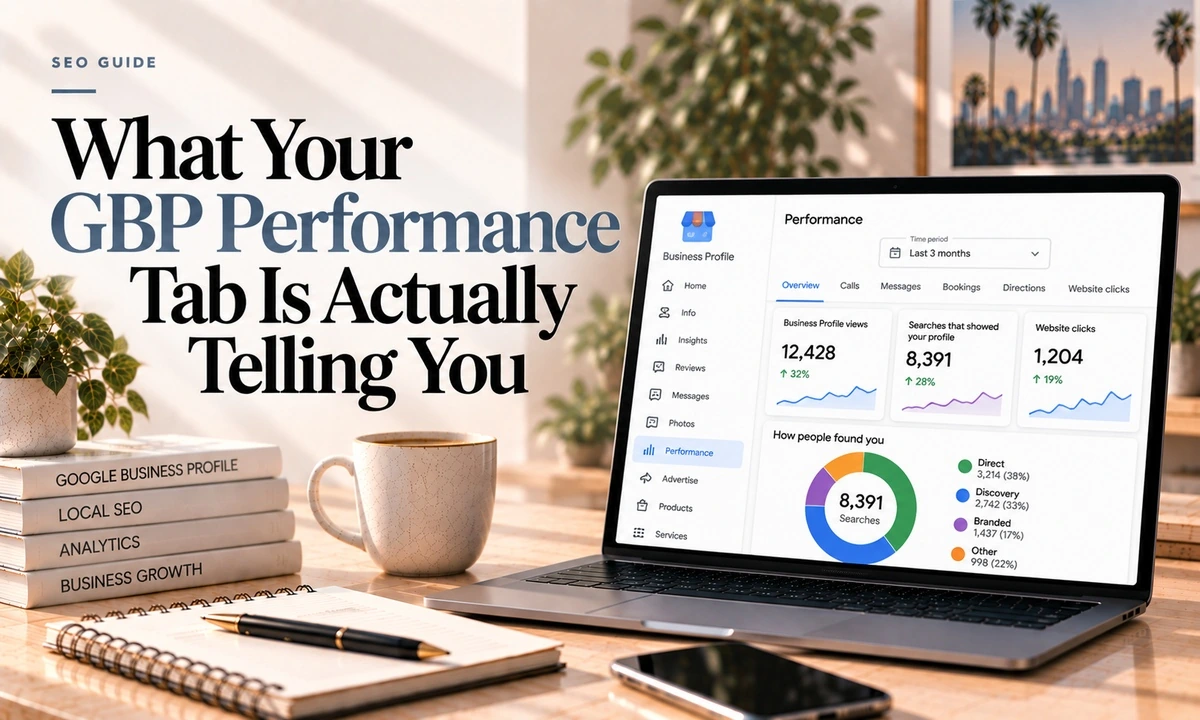
The Performance tab is the only free data Google gives you about your own listing, and most of the advice written about it is describing a version that no longer exists.
Here is what is in there now, what it means, and the three caveats that change how you should read all of it.
What Is Actually There
| Metric | What Google says it is |
|---|---|
| Interactions | A summary of all your total interactions |
| Searches | The search terms people used to find your business |
| Views | How many people viewed your profile on Search and Maps |
| Calls | The number of times a customer clicked the call button |
| Website clicks | The number of times people clicked the website link |
| Directions | How many people asked for directions |
| Messages | The number of different conversations through messages |
| Bookings | The number of bookings people completed |
Depending on your category you may also see Products, Menus and Offers. Google notes that only metrics applying to your business appear, so an empty section usually means it does not apply rather than that you scored zero.
Two timing quirks: Searches data updates at the start of each month and can take up to five days to appear, and Views count a person once per day rather than per visit.
What Google Deleted
This is the part that makes most published advice wrong. In February 2023 Google removed overall rating, total searches, direct searches, discovery searches, total views, search views, map views and total actions. The rollout was gradual, so some listings held onto them into late 2023, which is partly why the folklore persists.
If an article tells you to check your discovery versus direct search ratio to see whether you are reaching new customers, that data has not existed for three years.
More went with it. Photo insights and Google Posts insights were both discontinued around the same time on the API side. Business Profile chat and call history were retired in July 2024. Geographic direction data and the old breakdown of how customers search for your business are gone too.
1. Calls are button clicks, not calls. The agency that compares this against real call tracking puts the capture rate somewhere between a third and two thirds of actual calls received.
2. Google Ads contaminates everything. Location extensions inflate views, and there is no clean separation between paid and organic in this data.
3. Views are not interest. Someone scrolling Maps, or seeing you in a competitor's panel, counts as a view. It does not mean they looked at you.
How to Read It Without Fooling Yourself
- Watch trends, not numbers. Month over month direction is the signal. The absolute values are too contaminated to mean much on their own.
- Weight the action metrics. Calls, Website clicks, Directions and Messages represent someone who decided to do something. Views represent someone's thumb scrolling past.
- Use Searches as a content list. This is the genuinely useful one. The actual phrases people used to find you are the phrases your service pages and blog posts should be about.
- Expect volatility. Views in particular show large unexplained spikes and drops. Do not redesign your marketing around a bad fortnight.
- Directions is the cleanest number in the tab. Google actively adjusts it for repeated taps, cancelled requests and spam.
What It Does Not Tell You
Worth being blunt about the limits, because clients ask these questions and the answer is always no.
- No revenue, no lead quality, no close rate. Button clicks only.
- No separation of paid from organic.
- No link between a search term and an action. Searches and Interactions are separate reports.
- No ranking data whatsoever. This is not a rank tracker.
- No geography on where searchers were. That was removed.
The Pattern Worth Looking For
One genuinely useful diagnostic lives in this data. Compare Views against Website clicks and Calls over a few months.
- Views flat, actions flat: a visibility problem. People are not finding you. That is local SEO work.
- Views up, actions flat: people are finding you and not choosing you. That is a profile problem: photos, reviews, hours, categories. Or a competitor got better.
- Actions up, phone still quiet: people are clicking through and your website is losing them. That is a different list of causes entirely.
That third case is the one I see most and the one people misdiagnose most, because the Google numbers look healthy while the business does not.
Two Recent Changes
GBP data in Google Analytics 4 has been rolling out through 2026, covering phone calls, website clicks, direction requests, messages, bookings and menu clicks. Be aware of the limits before you get excited: it is reported as not providing location-level reporting for multi-location businesses, the data sits on a rolling six-month window, and the metrics are restricted to standard reports rather than being usable in custom explorations. It is an addition to existing reporting rather than a replacement.
Google Posts view counts came back in September 2026 after being removed in January 2023, under the label people viewed, with an 18-month window. Whether Posts are worth your time is its own question.
One practical note: there were reports of missing data in Business Profile insights for September 2026, so if the numbers for that month look strange, it may not be you.
Frequently Asked Questions
What do the Google Business Profile performance metrics mean?
The current set includes Interactions as a summary, Searches showing the terms people used to find you, Views for how many people saw your profile on Search and Maps, and then the action metrics: Directions, Calls, Website clicks, Messages and Bookings. Some business types also see Products, Menus and Offers. Google notes that only metrics applying to your business appear.
Why can I not see direct and discovery searches anymore?
Because Google removed them in February 2023, along with overall rating, total searches, total views, search views, map views and total actions. The rollout was gradual so some listings kept them into late 2023. Any article telling you to analyse your discovery versus branded search split in the Performance tab is working from pre-2023 information.
Is the Calls number the number of calls I received?
No, and this is the most misread number in the whole tab. It counts clicks on the call button, not completed calls. People tap and cancel constantly. One agency that compares this against real call tracking puts the capture rate at roughly a third to two thirds of actual calls. Treat it as a trend line, not a count.
How far back does the data go?
Six months, according to two reputable third-party sources. Google's own help page does not state a maximum. Oddly the restored Google Posts view metric uses an 18-month window, so the limit is not consistent across the product.
Does Google Ads traffic show up in these numbers?
Yes, and it is the biggest reason a client's numbers look better than their SEO. Performance data mixes organic and paid with no clean way to separate them, so location extensions on an ad campaign inflate views. If you run ads, do not read these numbers as organic performance.
What should I actually act on?
The action metrics with intent behind them: Calls, Website clicks, Directions and Messages, read as month over month trends rather than absolute numbers. Plus the Searches report, which is genuinely useful as input for what to write about. Treat Views as close to noise.
If the numbers are going up and the phone is not ringing, the problem is usually downstream of Google. Send me a screenshot of your Performance tab and your site and I will tell you where it is leaking. Metrics listed here are current as of October 2026.