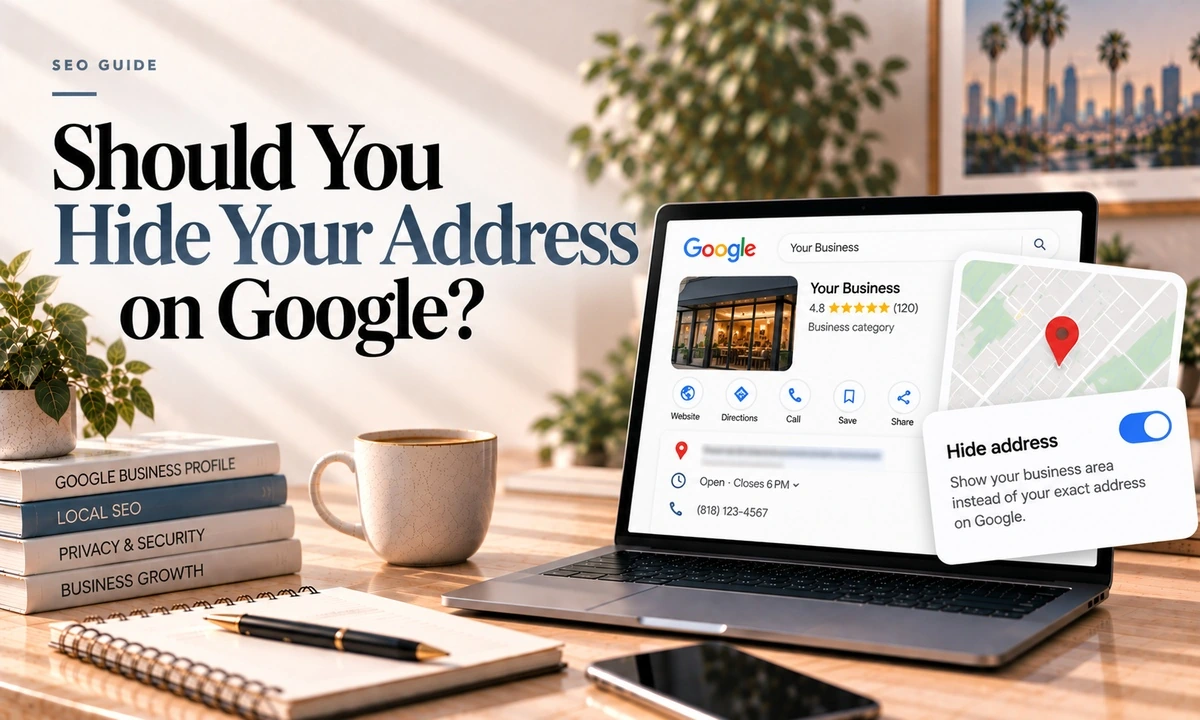
If you run a mobile or home-based business, this one decision shapes everything else about your Google presence, and in my experience most of these profiles in Los Angeles are configured wrong. Usually in a way that is quietly risking a suspension.
Here are the real rules, and an honest account of the one part where the experts disagree.
Google Only Recognises Two Types
Not three, despite what a lot of articles say.
- Service-area business. Google's definition: a business that visits or delivers to customers directly, but does not serve customers at its business address. Their example is a plumber.
- Hybrid. A business that both serves customers at its address and visits or delivers to them. Their example is an auto shop that also does roadside assistance.
A storefront that never travels is simply a business with an address. The rule follows from how you actually operate, not from whether you happen to have premises:
Show the address if customers come to you there. Hide it if they do not. Google's guideline for service-area businesses is explicit, and the example given is a plumber running the business from a residential address, who should clear the address from the profile.
You still need a real address. Google requires one to verify you. Hiding it is a display setting that controls what the public sees, and the address stays in Google's records and keeps doing a job, as the next section explains. Nobody driving past your house will know it from your profile.
The Rule That Explains Most Confusion
Google ranks a service area business from the address it verified at, not from the service areas it listed.
This is the thing to take away from this post. Listing Santa Monica, Pasadena and Long Beach as service areas does not put you in the running in those places. Your verified address is the anchor. The service area list is largely about telling customers where you will travel.
Which has a practical consequence: if you moved and never updated the verification address properly, Google may still be ranking you from where you used to be. That alone explains a lot of mysterious ranking drops. More on moving here.
The Actual Limits
| Rule | The limit |
|---|---|
| Number of service areas | Up to 20 |
| How they are defined | City, postal code or similar area |
| Radius option | Not available. Google removed it |
| Overall boundary | No more than about 2 hours of driving time from your base |
| Countries and states | Documentation says not to add these, added mid 2025 |
| How long edits take | Up to 48 hours to appear |
In practice the two-hour rule is generous in Los Angeles and restrictive almost nowhere, so the one that bites is the 20-area cap. Pick the 20 that matter commercially rather than the 20 nearest.
The dilution myth
You will read that listing too many service areas dilutes your ranking. There is no evidence for it. Testing on this found the service area does not impact ranking for service area businesses at all, and that its effect is visual. The agency that ran that test had their own listing in a small Ontario town with Toronto as a service area, and they ranked in the small town, not Toronto. Which is exactly what you would expect if the verified address is the anchor.
The Part That Is Genuinely Disputed
Does hiding the address itself cost you rankings? Two credible agencies, two different answers, and I am not going to pretend one of them is settled.
- One says yes. They tested on a home services client, removed the address for about a month, and the local pack disappeared entirely for a major keyword while calls dropped sharply. Restoring the address brought both back. Their own framing is that this is a perverse incentive problem rather than advice to break the rules.
- One says no. Their position is that showing or hiding has no ranking impact whatsoever, and that businesses who see a drop are actually seeing the effect of a stale verification address from before they moved, which support can correct.
The first study is one client and two listings over one month, with no control. The second offers reasoning rather than test data. Both agree that the ranking anchor is the verification address.
My practical read: hiding the address is what the guidelines require if you are genuinely a service area business, so the question of whether it costs you a little is mostly academic. Showing an address customers cannot visit is how you get suspended, and a suspension costs you everything rather than a little. If you hid your address and rankings fell, check whether your verification address is current before concluding the hiding caused it.
Addresses That Will Get You Suspended
This matters enormously in Los Angeles, where the mailbox-as-office arrangement is everywhere.
- PO boxes and remote mailboxes. Not acceptable. That includes a mailbox at a shipping store.
- Virtual offices. Not eligible. If you rent a mailing address but do not operate out of it, it does not qualify. A service area business cannot list a virtual office unless it is staffed during business hours, which rather defeats the purpose.
- Coworking space. Only qualifies with clear signage, customers received during business hours, and your own staff present during those hours. All three conditions. A hot desk at a shared space does not meet them.
An invalid address is among the most commonly reported causes of suspension. The correct answer for a home-based business is not to rent an address. It is to run as a service area business from your real address with the address hidden. That is the setup Google designed for exactly this situation.
Video verification for a service area business asks for different evidence than for a shop. Google wants to see the things only a real operator has: branded vehicles, staff in branded uniforms, the tools and equipment you actually use, and footage shot where you provide services rather than a static shot of an empty office. One continuous unedited take, at least 30 seconds, shot on a mobile while signed into the account. The most common failures are information that does not match the profile, poor lighting, and video that looks staged.
If You Are a Hybrid
Show the address and set a service area. The test is simple and it is the one Google applies: do customers actually come to that address during the hours you have published? If a customer turning up would find a locked door and nobody expecting them, you are not a hybrid, you are a service area business with a liability.
What to Do This Week
- Decide honestly which of the two types you are, based on whether customers come to you.
- If the address is a mailbox, virtual office or unstaffed coworking desk, change the setup before Google does it for you.
- Check your verification address is current. If you moved, this is probably your ranking problem.
- Trim the service areas to 20 real places within about two hours, prioritised by where the work is.
- Make one change at a time. Too many edits at once is itself a suspension trigger. Leave time between them.
And if you want the wider picture of what drives local rankings once this is right, that is here.
Frequently Asked Questions
Should I hide my address on Google Business Profile?
If you only go to customers and never serve them at your address, yes. Google's guideline is explicit: a service-area business should hide its business address, and the example Google gives is a plumber working from a residential address. If customers do come to you, show the address. If both, you are a hybrid and you show the address and set a service area.
How many service areas can I list?
Up to 20, specified by city, postal code or similar area. You cannot set a radius. Google removed that option, so you have to name real places. The overall boundary should not extend more than about two hours of driving time from where your business is based, and as of mid 2025 Google's documentation says not to add countries or states as service areas.
Does hiding my address hurt my rankings?
This is genuinely disputed and anyone who tells you it is settled is overselling. One agency ran a test on a home services client, removed the address for about a month and saw rankings and calls drop, then recover when it was restored. Another respected agency says showing or hiding has no ranking impact at all and that perceived drops come from a stale verification address. Both agree on the key mechanic below.
Where does Google rank a service area business from?
From the address you verified at, not from the service areas you listed. This is the single most useful thing to understand. Listing Pasadena as a service area does not make you rank in Pasadena. Your verified address is the anchor, hidden or not.
Can I use a virtual office or a mailbox address?
No. Google's guidelines say PO boxes and remote mailboxes are not acceptable, and that a virtual office you do not operate out of is not eligible. A coworking address qualifies only if that office has clear signage, receives customers during business hours, and is staffed by your own people during those hours. An invalid address is one of the most commonly reported suspension causes.
Does listing more service areas dilute my ranking?
There is no evidence for this, and it gets repeated constantly. Testing by one agency found the service area has no impact on ranking at all and is essentially visual. The real constraints are the 20-area cap and the two-hour rule, not dilution.
If you work out of your home or your van and you are not sure the profile matches that, tell me how you actually operate and I will tell you what to change. Rules here are current as of October 2026 and Google revises them without announcing it.