For years there has been a blind spot in local SEO. You could see exactly how people found your website in Google Search, down to the individual query, but the moment someone searched your business name and clicked your Instagram instead, the trail went cold. Instagram's own analytics could tell you a post got saved 40 times, but never that it was found through a Google search for "nail salon Glendale."
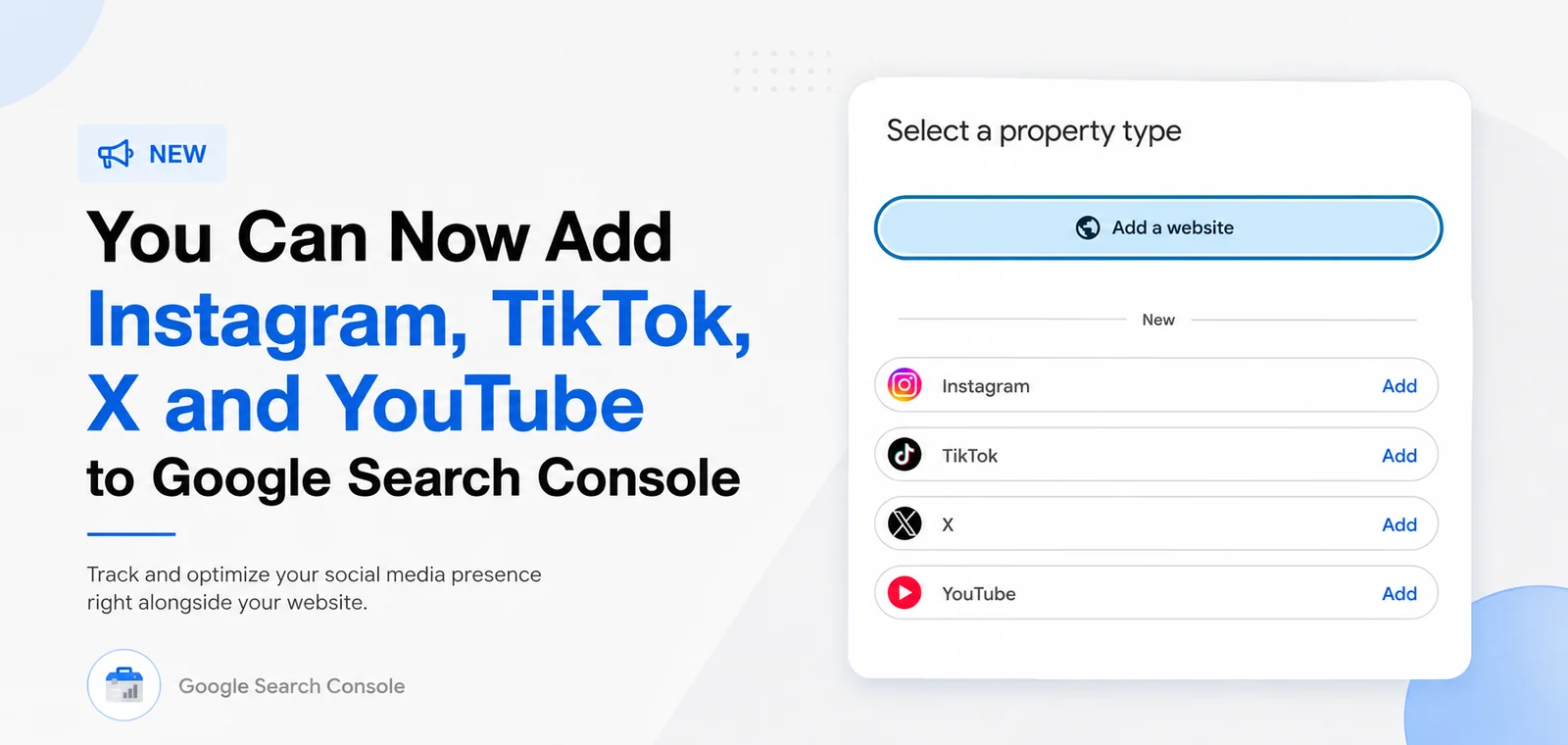
That gap just closed. Google Search Console now supports what it calls platform properties, and you can connect Instagram, TikTok, X (formerly Twitter) and YouTube alongside your website. Google announced it on December 8, 2025, and it has been rolling out gradually since, which is why it may only be appearing in your account now. Mine showed up this week.
You can now add your Instagram, TikTok, X and YouTube accounts to Google Search Console as separate properties, and see the search queries, impressions and clicks that bring people to your social content from Google. It is free, it takes about two minutes per account, and the data starts collecting from the day you connect it.
Why this matters for small businesses
If you are a salon, a med spa, a restaurant, a photographer, a personal trainer or any other business where social is a real part of how customers find you, a meaningful share of your discovery has always been invisible. Someone searches your business name or a service you offer, and Google shows a mix of results: your website, your Google Business Profile, and increasingly your Instagram posts, TikToks and YouTube videos.
Until now you had no idea which of those social results were being seen or clicked, or which searches surfaced them. You were optimizing your website with real data and running your social on instinct. This levels that out, and it does something else worth noting: it treats your social profiles as search assets, not just social ones. That is a shift in how you should think about captions, titles and profile descriptions.
How to add a social account to Search Console
- Open Google Search Console and sign in with the account you use for your website property.
- Click the property selector in the top left corner, the dropdown that currently shows your domain.
- Choose "Add property." You will now see options for Instagram, TikTok, X and YouTube alongside the usual Domain and URL prefix choices.
- Select the platform you want to connect and follow the on-screen verification steps to authorize the connection. You need to be logged into that social account, or have access to it, to complete the authorization.
- Repeat for each platform. Every account becomes its own property, so you switch between them the same way you switch between websites.
Once it connects, you will see a message along the lines of: "Search Console has started collecting search performance data. It can take up to 48 hours for the data to appear in reports." That is normal. There is no historical backfill, so the sooner you connect an account, the sooner your data starts accumulating.
What the reports actually show
Each platform property has its own set of reports. They will look familiar if you have used Search Console for a website, with a few social-specific additions.
Insights
A high-level overview of recent trends: how your traffic from Google Search is moving, your top-performing posts, and how people are discovering your account. This is the screen to check monthly rather than daily, because it tells you the direction things are moving rather than the detail.
Performance
The core report, and the one worth spending time in. It shows total clicks and impressions from Google Search, and breaks them down two ways:
- Queries leading to your content. The actual search terms that surfaced your Instagram posts or TikToks. This is the part nobody had before, and it is genuinely useful.
- Your content. Individual posts and videos ranked by performance, so you can see which ones are pulling in search traffic rather than just in-feed engagement.
Both can be sorted and filtered, and the data can be exported. You will also see groupings for top, trending up and trending down, which is a fast way to spot a post gaining traction in search or a query you have started losing.
Achievements
Milestone tracking, for example passing a new click threshold from Google Search in the last 28 days. It is the lightest of the three reports, but it is a reasonable way to notice growth you would otherwise miss.
How to actually use this data
Connecting the accounts takes two minutes. Getting value out of it takes a little thought. A few things I would do first:
- Look at the queries, not the clicks. If people are finding your Instagram through searches you never targeted, that is a content gap on your website. A query bringing traffic to a TikTok is a query that probably deserves a page.
- Compare social queries to website queries. Where your social ranks and your site does not, you have an SEO opportunity. Where both rank, you own more of the results page, which is exactly what you want for branded searches.
- Write captions and titles like they are searchable, because they are. If a post is showing up in Google for "bridal makeup Pasadena," the wording of that caption did some of that work. Treat social copy as light SEO copy: say what the thing is, and where.
- Watch the trending down list. A query you used to appear for and no longer do is early warning, and it is far easier to act on than a slow decline you notice six months later.
- Do not confuse this with your in-app analytics. This only measures Google Search. Your Instagram insights still cover everything happening inside Instagram. The two answer different questions.
The rollout has been gradual, so if you do not see the option yet, it is not something you have done wrong. Check again in a week or two. And if you manage several accounts, connect them all now rather than waiting, since data only accumulates from the moment you connect.
What this signals about search
Google building social platforms into Search Console is a quiet admission of something that has been true for a while: search results are no longer just websites. For a local business, a query like "best facial Glendale" can return a map pack, a couple of websites, a Reddit thread, an Instagram reel and a YouTube video. Your visibility is the sum of all of those, not just your homepage ranking.
The practical takeaway is that your website and your social should be built to support each other. Your site is still the only asset you own outright, the one that ranks for service pages, converts visitors into calls and bookings, and does not disappear when an algorithm changes. But your social profiles now come with search data attached, which means they can be measured, improved and treated as part of the same strategy rather than a separate hobby.
If you want the website side of that handled properly, with local SEO built in rather than bolted on later, take a look at local SEO services or the industry-specific websites I build. And if you have not connected your social accounts to Search Console yet, do that first. It is free, and in 48 hours you will know things about your own business that you could not see last week.