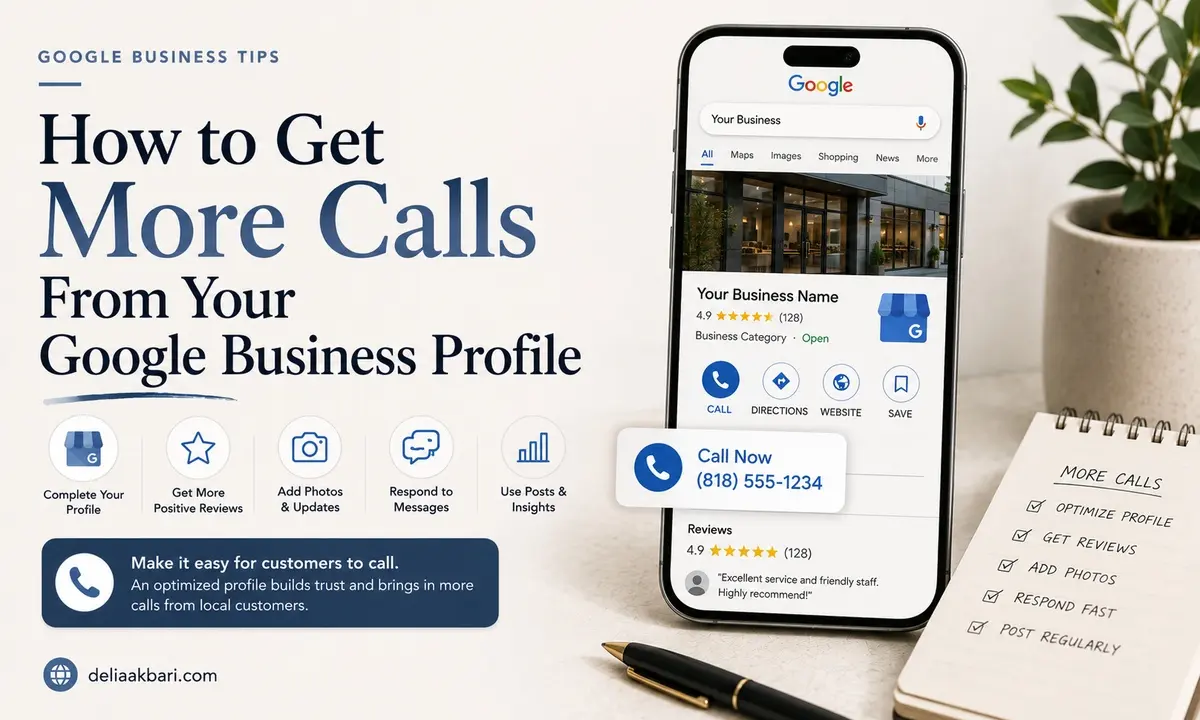
A lot of local SEO advice stops at getting into the Map Pack, as if showing up is the whole job. It isn't. Once someone sees your profile next to two or three competitors, something on that screen has to be the reason they call you instead of the listing above or below you. That's a different problem than ranking, and it's one most businesses never actually optimize for. Here's what to fix.
Make the Call Button Impossible to Miss, and Impossible to Get Wrong
- Use a real, monitored phone number, not a generic line that goes to voicemail during business hours. A profile that doesn't get answered trains people to stop calling it.
- Match the number exactly to your website. A mismatched number between your GBP and your site creates just enough doubt for someone to second-guess whether the listing is current.
- Keep your hours accurate, always. Nothing kills a call faster than someone assuming you're closed because your listed hours are wrong, or calling outside real hours and getting nothing.
Give People a Reason to Call Before They Even Click In
Most of the decision happens in the few seconds someone glances at your listing in the Map Pack, before they've opened your full profile.
- Lead with real photos, not stock images. Actual photos of your work, your storefront, or your team build the kind of instant trust a generic photo can't.
- Fill out the Services section with real names and price ranges when you can. A visible price range answers the first question most callers have before they've even dialed, which makes them more likely to follow through.
- Use attributes and highlights that matter to your customer, things like "free estimates," "women-owned," "open late," whatever is actually true and actually relevant to why someone chooses you.
Answer the Objections Before They're Asked
- Pre-seed your own Q&A section. Anyone can ask a question on your profile, including you. Post and answer the ones you get most often, pricing, turnaround time, whether you serve their area, so a hesitant browser gets the reassurance they need without having to type it themselves.
- Write your business description like you're answering "why should I call you and not them." Not a generic mission statement, the actual reason you're a safer choice than the next listing.
Messaging lets a hesitant browser ask a quick question without committing to a call, which some people prefer and which still gets you the lead. A booking or appointment link removes a step entirely for anyone ready to act. And a Google Post with a clear, specific call to action, "Call for a same-week estimate" instead of a vague update, gives people a reason to act right now instead of saving your listing for later and forgetting.
Track Whether Any of This Is Actually Working
Your GBP dashboard shows calls, direction requests, and website clicks directly from the profile under Performance. If calls aren't moving after making these changes, that's useful information, not a dead end, it usually means the next fix is on the reviews or ranking side rather than the profile itself. A dedicated tracking number is worth setting up if you want to know for certain which calls came from Google versus your website versus somewhere else entirely.
None of this replaces actually ranking well or having reviews people trust, it works alongside them. If your profile is set up right but still isn't ranking, here's how to rank higher on Google Maps, and if reviews are thin, here's how to get more of them without begging. For the full field-by-field setup, see the complete guide to optimizing your GBP.
Want a second opinion on what's actually stopping people from calling? Send me your profile and I'll tell you honestly what I'd fix first.